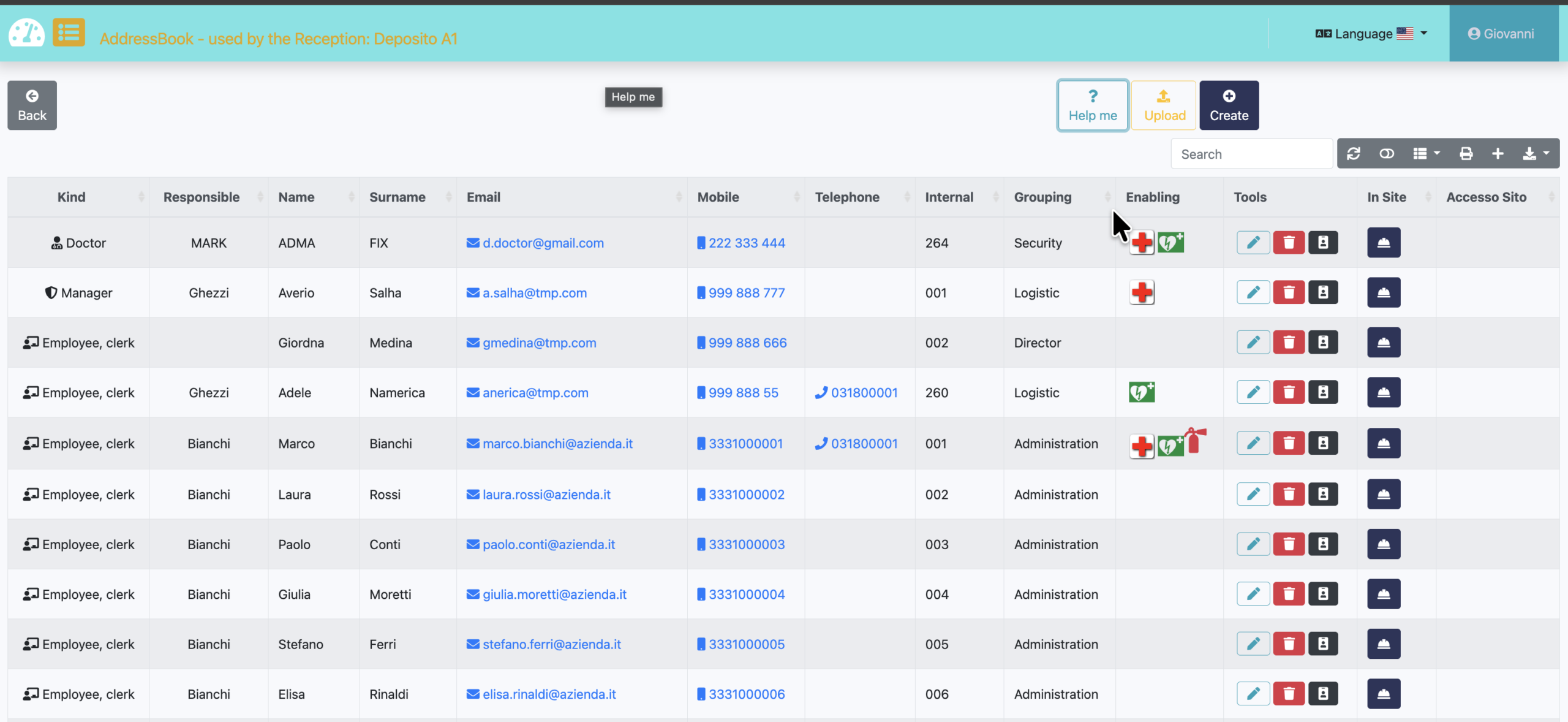
Address book local is used locally to manage the people who are inside the site and operate daily. They have a tag and tracking system very often managed by human resources. The fields are the same as in the shared directory and can be exported at any time.
Easy to use, it allows you to store, modify, delete and export the list of addresses. This feature is only available to the person who has signed up for the service. The sites will have only the consultation of this information.
Here we will describe the value of the information recorded and how it will be used.
Tools commands
Registrate a new address
Edit address by selected row
Delete selected row. before running, confirm is required
Reload information utility
Show card view
Available only for manager
Download information (only showed), for future use with a spreadsheet
Direct assignment to a Badge
Select column show/hide
This setting affects the export
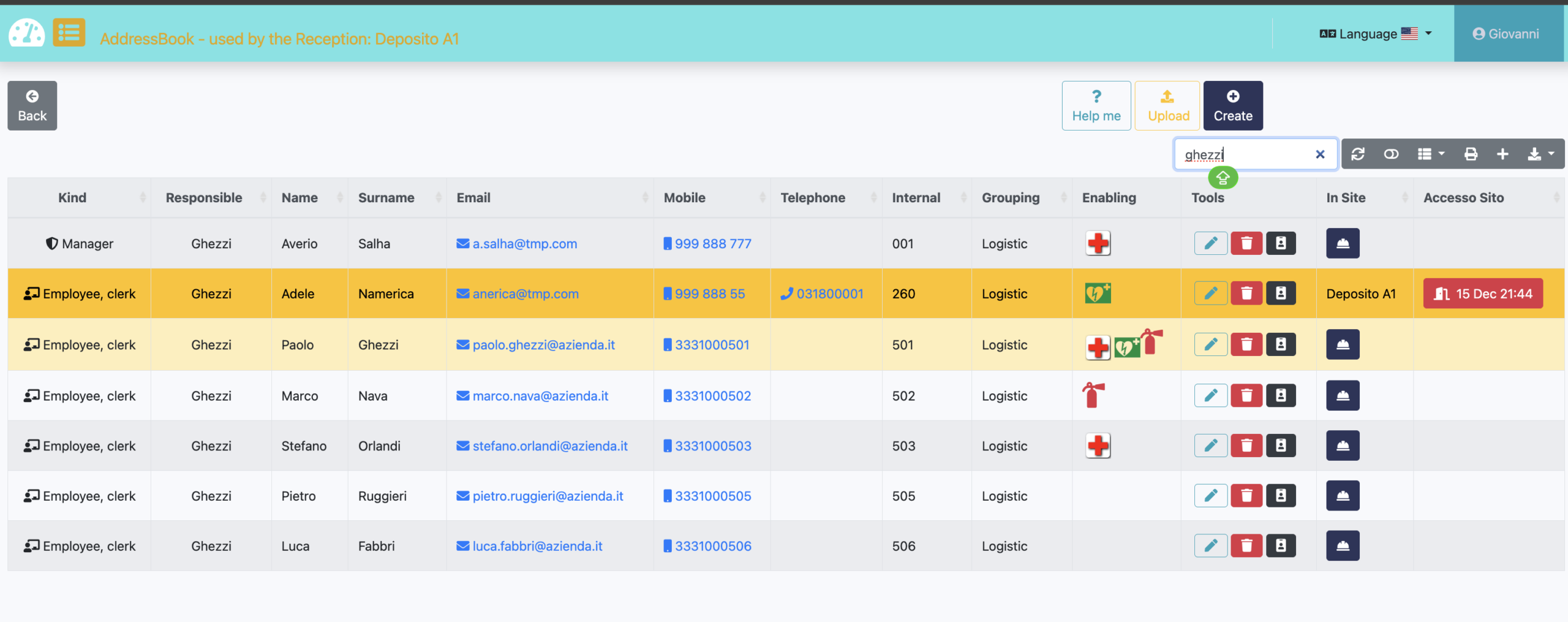
Manually indicate that the operator has entered through the reception. This operation is automated by integrating a procedure that aligns with the employee attendance register.
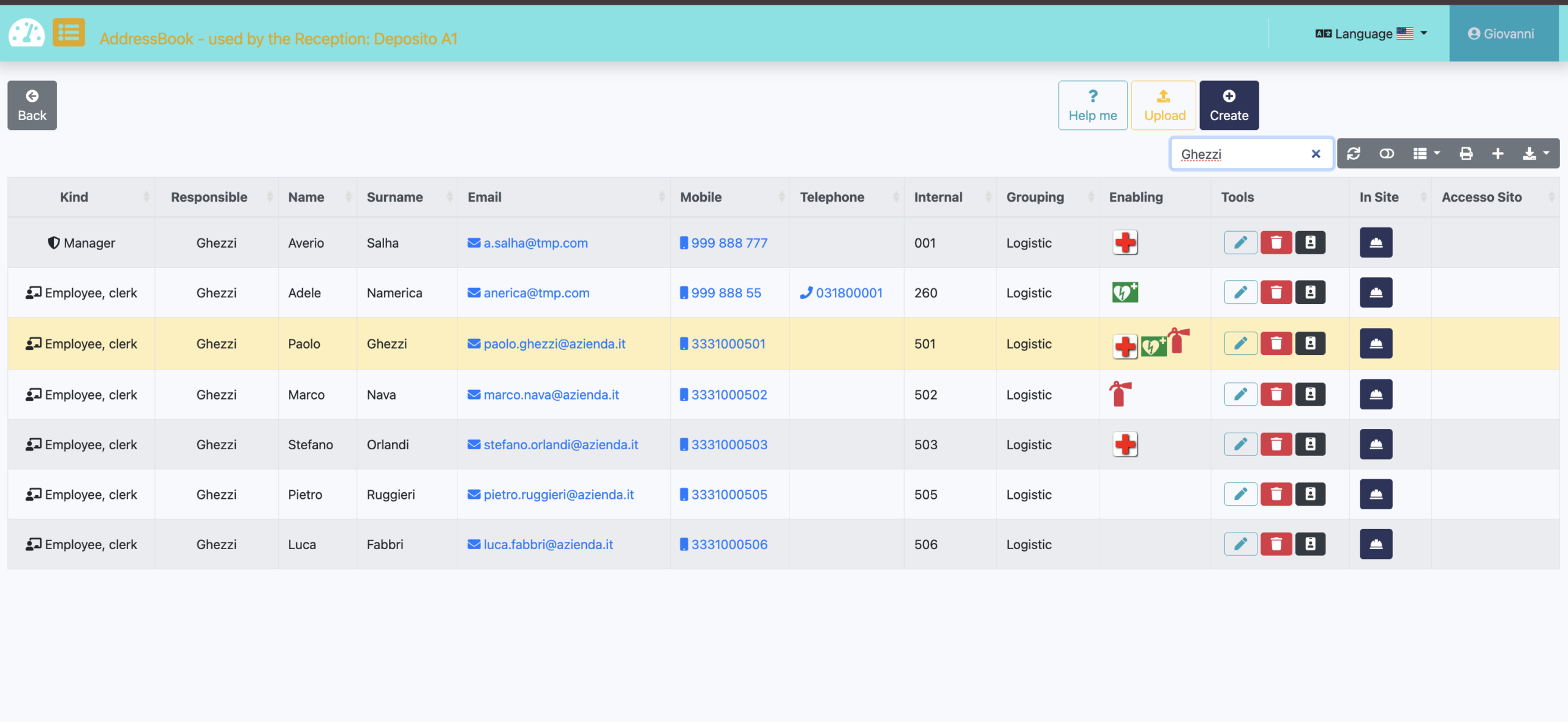
When searching for a person, the system emphasizes the subject, but also understands who is responsible and how to easily contact them by phone or email.
As you can see in the image, the person being searched for, “GHEZZI,” is both an employee and a department manager. Nothing is left to chance; the focus is on the individual, but their dependencies are included. This way, the receptionist can easily pass on to other subordinates and obtain information.
With the correct information we have, we can contact an employee in your department who is listed on the Reception website. Adele is present because an HR program alignment system and Easybadge.net is internally aligned